How to Build an AIOS, Foundations for Your AI Org Chart.
An AI Operating System is the personal system of text files, configurations, and habits that sits underneath whatever AI tool you use. This page walks the framework from the session, then gives you the files to build your own.
What Is an AIOS?
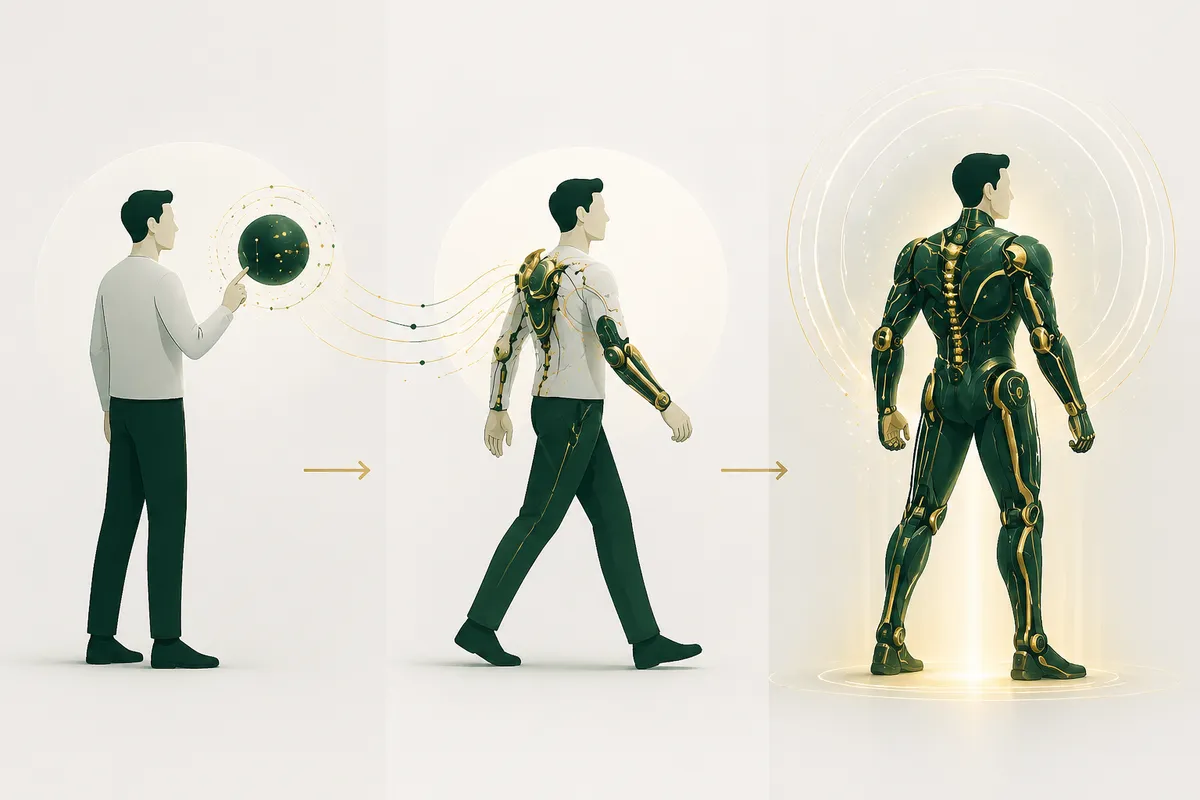
Most people use AI as a strategic partner they re-brief every single conversation. An AIOS moves the relationship to something closer to an exoskeleton: a system that already knows you, amplifies how you already work, and gets stronger with every layer you add.
The Seven Layers
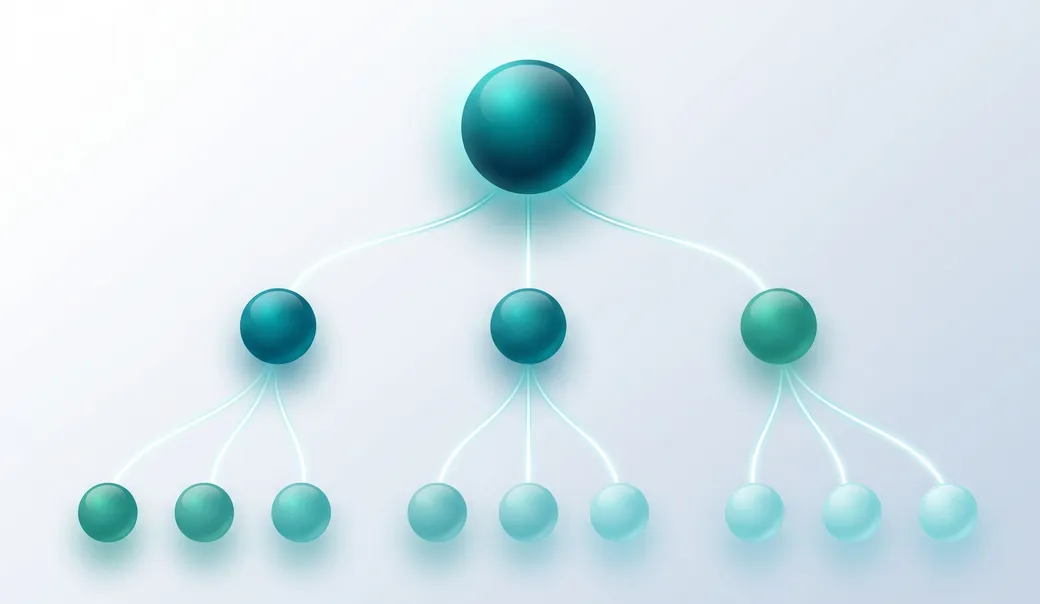
Built from the foundation up. Layers 1–4 make your AI smarter about you. Layer 5 lets it act in the world. Layer 6 makes it trustworthy. Layer 7 lets it run without you. Select a layer to read it.
“What runs when you're not watching?”
Scheduled tasks, managed agents triggered by events, a morning brief delivered before you wake. Powerful, and optional. An AIOS can include this layer, but it is not essential.
Where it lives
Scheduled tasks and event-triggered agents inside your tool; always with logs of what ran and what it did.
“How do you know it's right?”
The biggest failure of an AIOS is not an error message; it's hallucinations and AI slop: confident, wrong output that ships before you notice. Verification is knowing what to check for each job; it is the prerequisite for Automations.
Where it lives
Checks written into prompts and skills; standalone validation agents for high-stakes work.
“What can it reach?”
Connections let the agent touch real systems: email, calendar, chat, project management, CRM. The mechanism can be MCP or direct API, but it's usually MCP, and increasingly plug-and-play.
Where it lives
MCP connectors in your tool's directory; CLI tools or APIs for the rare deeper case.
“What does it remember between sessions?”
Memory layers nuance onto Context and lets Skills improve over time. It is what makes the other layers stick across conversations instead of resetting every session.
Where it lives
Native tool memory, memory-writing skills, or structured markdown files (decision logs, relationship context).
“How do you work?”
Skills are SOPs: reusable instruction sets for workflows you do repeatedly: weekly updates, meeting prep, decision memos. The pattern every skill follows: when I say [trigger], do [process], using [sources], and produce output in [format].
Where it lives
Skill files in your AI tool; bundled into plugins when a role needs a set of them.
“What do you know?”
This layer represents what you know: a library of focused, dated text files the agent reads on demand, rather than text you paste into every prompt. The single biggest predictor of whether AI output is generic or genuinely useful.
Where it lives
The Personal Context Portfolio skill, plus reference files within skills and role-specific plugins.
“Who are you, and what rules are always enforced?”
The foundation. This layer defines who you are: your role, communication style, values, and the non-negotiable rules your AI must always follow. Your tool reads it first, before anything you type.
Where it lives
System instructions (project instructions in Claude, custom instructions in ChatGPT) plus the Personal Context Portfolio skill.
Identity
“Who are you, and what rules are always enforced?”
The foundation. This layer defines who you are: your role, communication style, values, and the non-negotiable rules your AI must always follow. Your tool reads it first, before anything you type.
Good identity files state hard rules as always/never statements: "Never flatter me." "Always tell me what I'm not seeing."

Build Your Own
Two downloads, two steps. In about ten minutes you'll have a personal AIOS Coach: an AI project that walks you through building every layer above, starting with your own context portfolio.
Install the Portfolio Builder Skill
Download the Personal Context Portfolio Builder and upload the zip file as is, without unzipping it, to your AI tool's Skills (in Claude: Settings → Capabilities → Skills → Upload skill). It will be ready for future use the moment it appears in your skills list.
Download the Skill (.zip)Set Up Your AIOS Coach
Download the AIOS Coach Project, unzip it, and follow the Read Me instructions to set it up as a project in your AI system of choice. Then engage the coach: it will walk you through building your own AIOS, beginning with your personal context portfolio, using the skill from Step 1.
Download the Coach Project (.zip)Struggling to install the skill? Set up your AIOS Coach first, upload the skill zip to it, and describe what you see, and it will troubleshoot the installation with you. From there, you're off to the races.